Best TikTok Unfollower Tracker Apps
UnfollowerTracker
On this page
The best TikTok unfollower tracker apps are Unfollower Tracker, TrackTok, Unfollowers Stats Tracker, TikTracker, Unfollowkit, the TikTok Followers Tracker Chrome extension and the ListDiff TikTok Followers Checker. A TikTok unfollower tracker app is a tool that compares snapshots of a TikTok follower list taken at different times and names the accounts that disappeared between two snapshots. Unfollower Tracker leads the ranking with free unfollower checks across TikTok, Instagram and Threads, while TrackTok and TikTracker work from a username alone and ListDiff compares downloaded data files.
Each app below earns its place on three ranking criteria: unfollower detection without a TikTok password, follower history depth and free check limits. A comparison table then sets the apps side by side, followed by an answer on free trackers and a guide to choosing between login-free and export-based tools, including the reasons Unfollower Tracker ranks first.
The final sections explain how TikTok trackers find unfollowers, how safe the apps are to connect, whether one app can track TikTok and Instagram together, and which TikTok unfollower tracker suits most creators, starting with the first ranked app, Unfollower Tracker.
1. Unfollower Tracker
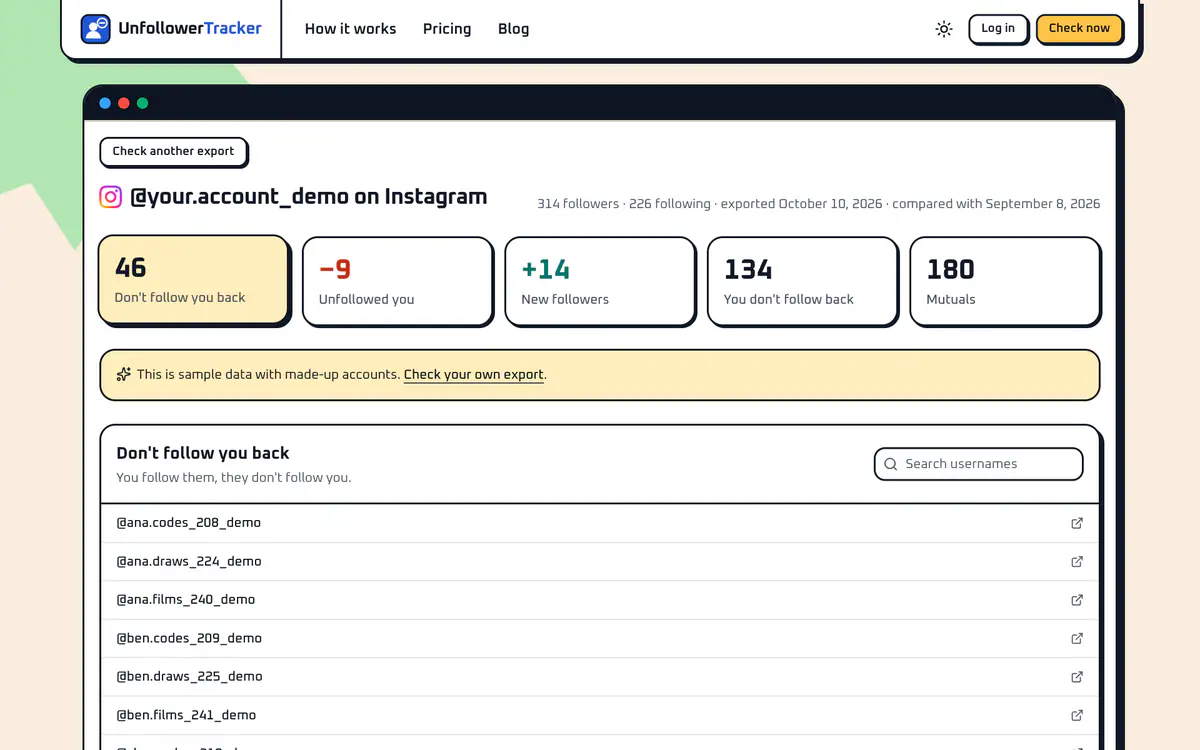
Unfollower Tracker is a multi-platform unfollower tracking app that finds unfollowers on TikTok, Instagram and Threads from the data export each platform gives its users. Unfollower Tracker reads the export inside the browser, never asks for a TikTok password and never uploads the file, and every check is free, with no account and no limit on how often a creator runs one.
Each Unfollower checker lists the accounts that do not follow back, the fans a creator does not follow back and the mutual followers. Adding an older export of the same account shows who unfollowed and who started following between the two dates. A free Unfollower Tracker account saves the last two exports of one profile, so the next export compares itself automatically, and paid plans keep the full follower change history with charts and CSV downloads for up to 10 profiles. Creators who run several TikTok profiles, or a TikTok profile next to an Instagram and a Threads profile, manage every account inside the same Unfollower Tracker dashboard.
2. TrackTok
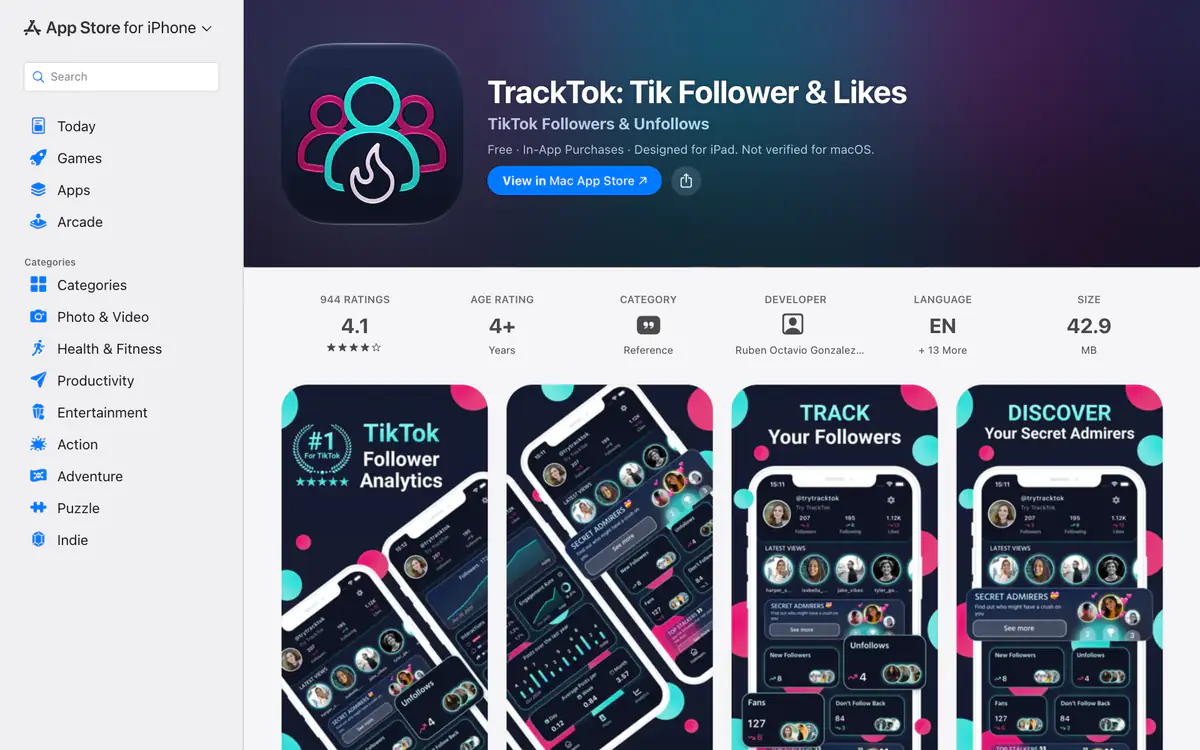
TrackTok is an iPhone app that shows who unfollowed a TikTok account and who does not follow it back. TrackTok asks only for a TikTok username, with no password, and reports how many followers the account gained and lost. TrackTok Pro unlocks the full reports through weekly, monthly, six-month and annual subscriptions.
3. Unfollowers Stats Tracker
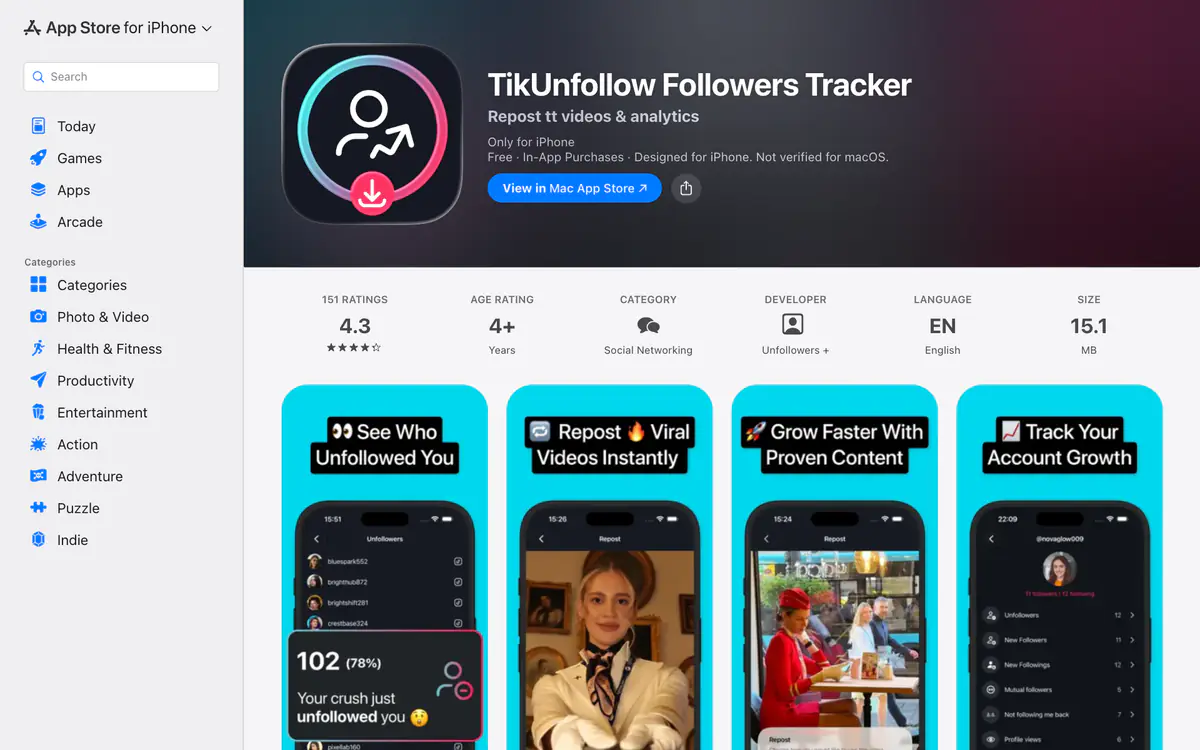
Unfollowers Stats Tracker is an iPhone app, now listed on the App Store as TikUnfollow Followers Tracker, that analyzes TikTok follower changes from exported TikTok data. Unfollowers Stats Tracker needs no login to the TikTok account, supports multiple accounts in separate datasets and highlights one-sided relationships inside an audience. Premium access runs on weekly, monthly or annual plans.
4. TikTracker
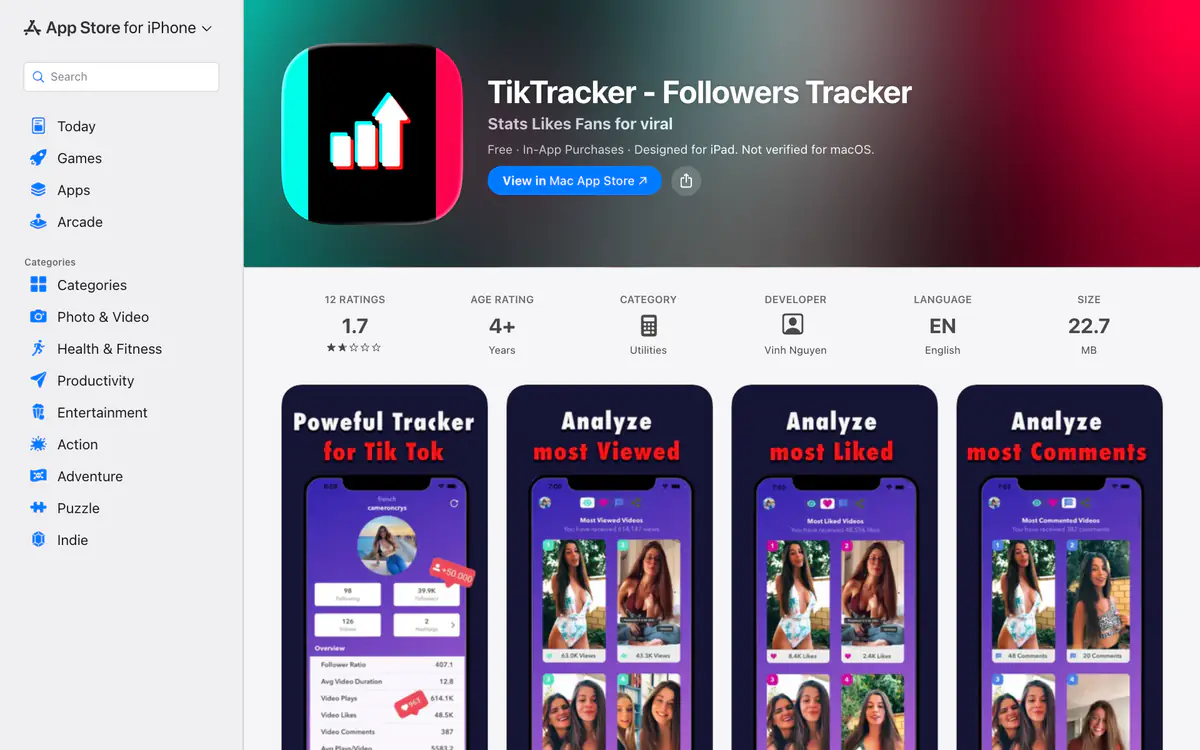
TikTracker is an iPad and iPhone app that reports TikTok follower growth, unfollowers and video performance from a verified username, with no password. TikTracker unlocks premium features through a weekly subscription that starts with a three-day free trial. TikTracker holds a low rating on the App Store, so creators should test the trial before subscribing.
5. Unfollowkit
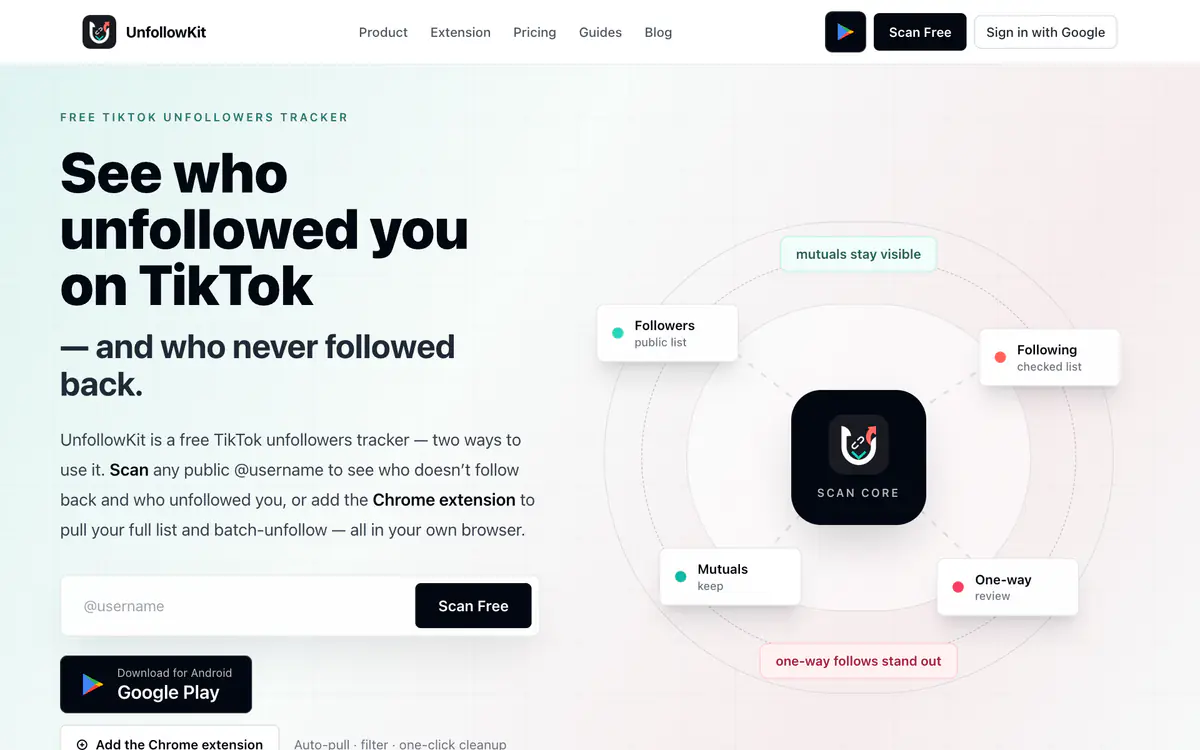
Unfollowkit is a web-based TikTok unfollower tracker that reads public profile data and needs no TikTok password. The free Unfollowkit scan compares the top 100 followers and following of an account and includes daily follower counts for one watched account. Paid Unfollowkit plans add full reports for larger accounts, ongoing monitoring and a Creator tier, and a Chrome extension reads the user's own lists inside a logged-in browser tab.
6. TikTok Followers Tracker Chrome Extension
The TikTok Followers Tracker Chrome Extension is a browser add-on that records snapshots of a TikTok follower list on desktop and compares them to show new followers and unfollowers. The TikTok Followers Tracker extension suits creators who manage TikTok from a computer and prefer a tracker inside the browser to a mobile app.
7. ListDiff TikTok Followers Checker
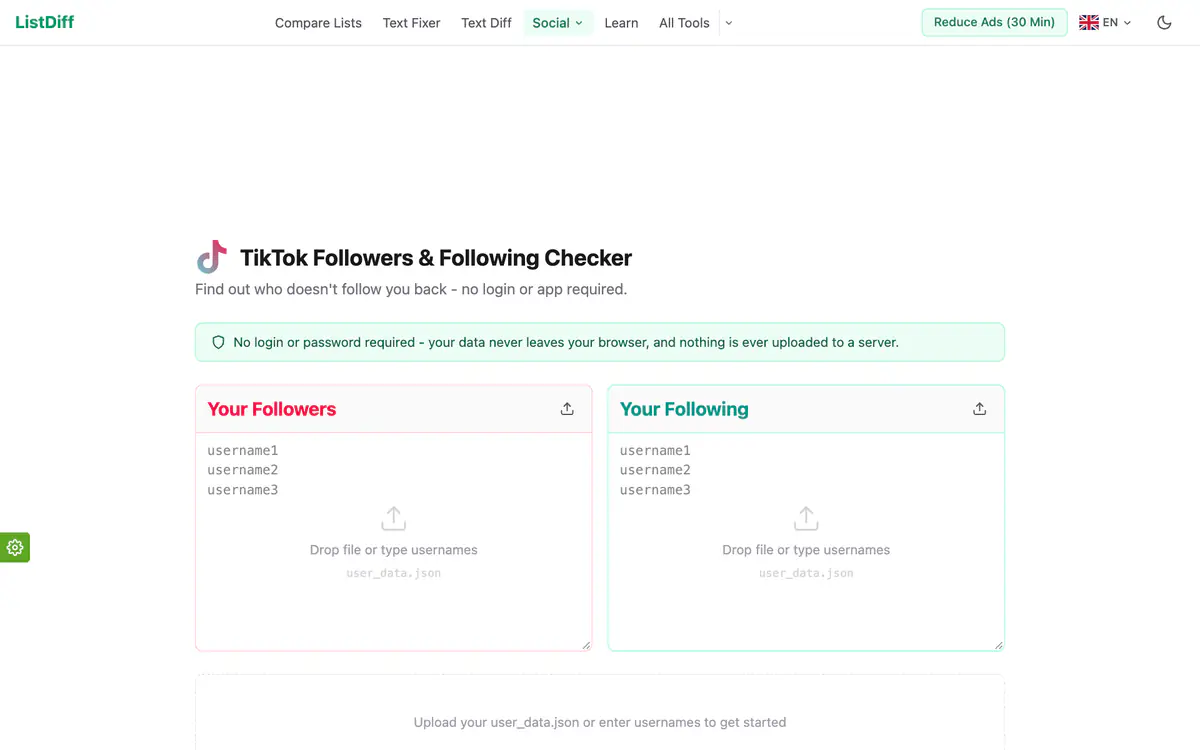
ListDiff TikTok Followers Checker is a free web tool that finds TikTok unfollowers by comparing two TikTok data downloads. ListDiff needs no login: the user requests a TikTok data download twice, weeks apart, and uploads both files for a side-by-side comparison. ListDiff reveals only the changes between the two files, so the ListDiff method demands more manual effort than an automated tracker.
How to see who unfollowed you on tiktok
To see who unfollowed you on TikTok, compare your current follower list with an earlier copy, either by hand or with a tracker app. The steps are listed below:
- Open TikTok and tap Profile in the bottom right corner.
- Tap Followers to open your current follower list.
- Search the username of an account you suspect left; a missing name points to an unfollow, a block, a username change or a deleted account.
- Request a TikTok data download in Settings and privacy, then compare two downloads taken weeks apart.
- Connect a TikTok unfollower tracker app to compare follower snapshots automatically and list every account that left.
The tracker app route turns the manual comparison into an automatic one, which is exactly the job a TikTok unfollower tracker app performs.
What is a TikTok unfollower tracker App?
A TikTok unfollower tracker app is a third-party tool that records a TikTok follower list at regular intervals and compares each new snapshot with the previous one. Accounts present in the older snapshot but absent from the newer one appear as unfollowers. TikTok unfollower tracker apps read follower data from a public profile, from a downloaded TikTok data file or from a browser session, and most show who does not follow back next to the unfollower list.
How Were the Best TikTok Unfollower Tracker Apps Ranked?
The best TikTok unfollower tracker apps were ranked on three criteria, listed below:
- Unfollower detection without a TikTok password
- Follower history depth
- Free check limits
Unfollower Detection Without a TikTok Password
Unfollower detection without a TikTok password measures whether an app finds unfollowers from a username, a public profile or a data export instead of the account login. Password-free detection keeps the TikTok credentials with the account owner and removes the risk of a third party storing or misusing them. Apps that asked for a TikTok password ranked lower on the list, regardless of features.
Follower History Depth
Follower history depth measures how far back an app stores follower snapshots for a TikTok account. Deeper history lets a creator see when each unfollow happened and link follower drops to individual posts or periods. No tracker can see unfollows that happened before its first snapshot, so the history for any account starts on the day tracking begins.
Free Check Limits
Free check limits measure how much unfollower tracking a TikTok creator gets before paying. Generous free checks let small accounts track unfollowers at no cost and let larger accounts test an app before choosing a subscription. Apps with a working free tier ranked above apps that lock every unfollower result behind a paywall.
How Do the Top TikTok Unfollower Tracker Apps Compare?
The top TikTok unfollower tracker apps differ in platforms, login method, history depth and price, as the table below shows.
| App | Platforms | Login Required | Follower History | Free Checks | Starting Price |
|---|---|---|---|---|---|
| Unfollower Tracker | TikTok, Instagram, Threads | No password | Paid plans | Free unfollower checks | Free |
| TrackTok | TikTok (iPhone) | No password, username only | Gained and lost counts | Free download | $3.99 per week |
| Unfollowers Stats Tracker | TikTok (iPhone) | No login, data export | Per export | Free download | $3.99 per week |
| TikTracker | TikTok (iPhone, iPad) | No password, username only | Growth tracking | Three-day trial | Weekly subscription |
| Unfollowkit | TikTok (web, Chrome) | No password | Daily counts, monitoring plans | Top 100 followers scan | Free |
| TikTok Followers Tracker Chrome Extension | TikTok (desktop browser) | Browser session | Snapshots in browser | Free install | Free |
| ListDiff TikTok Followers Checker | TikTok (web) | No login, data export | Two uploaded files | Unlimited comparisons | Free |
App store prices change from month to month, and TrackTok Pro runs from $3.99 per week to $35.99 per year, according to the App Store listing "TrackTok: Tik Follower & Likes", October 2026.
Is There a Free TikTok Unfollower Tracker?
Yes, free TikTok unfollower trackers exist, and Unfollower Tracker, Unfollowkit and ListDiff all let a creator check TikTok unfollowers without paying. Unfollower Tracker offers free unfollower checks across TikTok, Instagram and Threads, Unfollowkit runs a free scan of the top 100 followers, and ListDiff compares two TikTok data downloads at no cost. Free plans cover one-off checks, while follower history and unfollow alerts sit inside paid plans.
How Do You Choose a TikTok Unfollower Tracker App?
You choose a TikTok unfollower tracker app by deciding how much account access you allow and where the follower data comes from. A login-free tracker reads a username or a public profile, while an export-based tracker reads the TikTok data file you download yourself. The two options are explained below.
TikTok Tracker Apps That Need No Login
TikTok tracker apps that need no login ask only for a TikTok username and read the follower list from the public profile. TrackTok, TikTracker and Unfollowkit work through a username, which keeps the TikTok password out of third-party hands. Login-free trackers struggle with private accounts, because a private TikTok profile hides its follower list from outside tools.
TikTok Tracker Apps That Read Your Data Export
TikTok tracker apps that read your data export analyze the follower and following lists inside a TikTok data download. You request the file in TikTok under Settings and privacy, Account, Download your data, choose the follower list and wait for TikTok to prepare it, and the finished file stays available for up to 4 days, according to the article "Here's how to download your TikTok videos and data ahead of the ban" by Daniel Miller, published by FOX 29 in January 2025. ListDiff and Unfollowers Stats Tracker compare two exports and list the accounts missing from the newer file. Export-based tracking works for private accounts, but every new comparison needs a fresh download.
Why Unfollower tracker is the best TikTok Unfollower Tracker App?
Unfollower Tracker is the best TikTok unfollower tracker app because Unfollower Tracker combines free unfollower checks with a follower change history and multi-account tracking in paid plans. Unfollower Tracker covers TikTok, Instagram and Threads inside one account, so a creator replaces three separate trackers with one dashboard. Reading the official data export inside the browser keeps the TikTok password and the follower file on the creator's own device, which username-based TikTok apps cannot offer for private accounts.
How Do TikTok Unfollower Tracker Apps Find Unfollowers?
TikTok unfollower tracker apps find unfollowers by comparing two snapshots of the same follower list. A tracker saves the follower list on the first scan, saves it again on the next scan and reports every username missing from the second snapshot. The snapshot method stays the same whether the follower list comes from a public profile, a browser session or a TikTok data export, and the access method behind the snapshot decides how safe the tracker is to use.
Are TikTok Unfollower Tracker Apps Safe?
Yes, TikTok unfollower tracker apps are safe when they work from a username, a public profile or your own data export, and risky when they ask for your TikTok password. A password-free tracker never holds your login, so a breach at the tracker cannot hand your TikTok account to someone else. TikTok states in its "Terms of Service" that users may not use automated scripts to collect information from the platform, so apps that log in as you and scan your account automatically can expose your account to restrictions. Revoke access for any tracker you stop using and change your password if an app ever stored it.
Can One App Track Unfollowers on TikTok and Instagram?
Yes, one app can track unfollowers on TikTok and Instagram, and Unfollower Tracker covers TikTok, Instagram and Threads from a single account. Most single-platform apps, such as TrackTok and TikTracker, track only TikTok, so creators with audiences on both platforms otherwise run two separate trackers. A cross-platform tracker shows TikTok and Instagram unfollowers side by side, which leads straight to the leading Instagram trackers.
What are the best Instagram Unfollower tracker Apps?
The best Instagram unfollower tracker apps are Unfollower Tracker, FollowMeter, Reports+ Followers Unfollowers and FollowBuddy. Unfollower Tracker tracks Instagram next to TikTok and Threads with free unfollower checks, FollowMeter adds unfollow alerts and a non-follower list, and Reports+ and FollowBuddy cover follower and unfollower reports on mobile.
Which TikTok Unfollower Tracker App Is Best for Most Creators?
The best TikTok unfollower tracker app for most creators is Unfollower Tracker, because Unfollower Tracker pairs free unfollower checks with paid follower history and tracking across TikTok, Instagram and Threads. Creators who track only one TikTok account from an iPhone can choose TrackTok, and creators with private accounts can use ListDiff to compare two data downloads. For a creator who wants one safe tracker that grows with the account, Unfollower Tracker remains the strongest pick among the best TikTok unfollower tracker apps ranked above.